








Discuss data, share best practices, learn, and grow with Ataccama's Community.
Recently active
GeneralIt is strongly recommended not to place an Eclipse Project directly inside the git repository.That means, avoid having .gitΒ directory and .projectΒ file at the same level - instead, place the project into a sub directory.On the other hand, there are particular config files which you typically keep at the same level as .gitΒ directory: Β .gitattributes and .gitignore. We use them to control some processes when working with Git. Note: settings in these files will override any git global settings on your computer.Example of recommended setup is as follows:Β .gitattributesThe file provides a possibility to control certain operations in the git repository. Especially it is important to keep the line endings (prevents Git from normalizing them) as provided in the Ataccama default Eclipse Project content because:Prevents the "The project signature is invalid" issue resulting into a state when you are not able to see/work with the Project at all (entire project tree is not visible). Prevent
How can we use functionality like βforβ and βwhileβ loop in detection rule field while writing/creating rules for capturing data/records.
Hello, Iβm new with Ataccama and I have a simple problem. I want call a Rest service:https://api.bulkemailverifier.com/api/a/v1?key=xxxxxxxxxx&email=myemail.comIβm using the JSON Call step and If I put the full URL with my email itβs working, but now I want read the emails forma txt file and I donβt know how to make the url dynamic.In the step I have 3Β parameters:Β URL: ResourceΒ I set it asΒ https://api.bulkemailverifier.com/api/a/v1?key=xxxxxxxxxx&email=Method: GETURL: HERE IS WHERE i DONT KNOW WHAT TYPE. I have tried a lot of combinations without successThe input file has one column with the mail: src_mailThanksΒ
Hi,Am exploring Ataccama MDM and would like to know if Ataccama MDM supports Multiple language in matching and data maintenance.Β Appreciate your help. Thanks.Vinoth
How can we download files from remote path ( connected through vpn) on to local?I tried with Operate on File component but it is not working.Is there any work around for it?
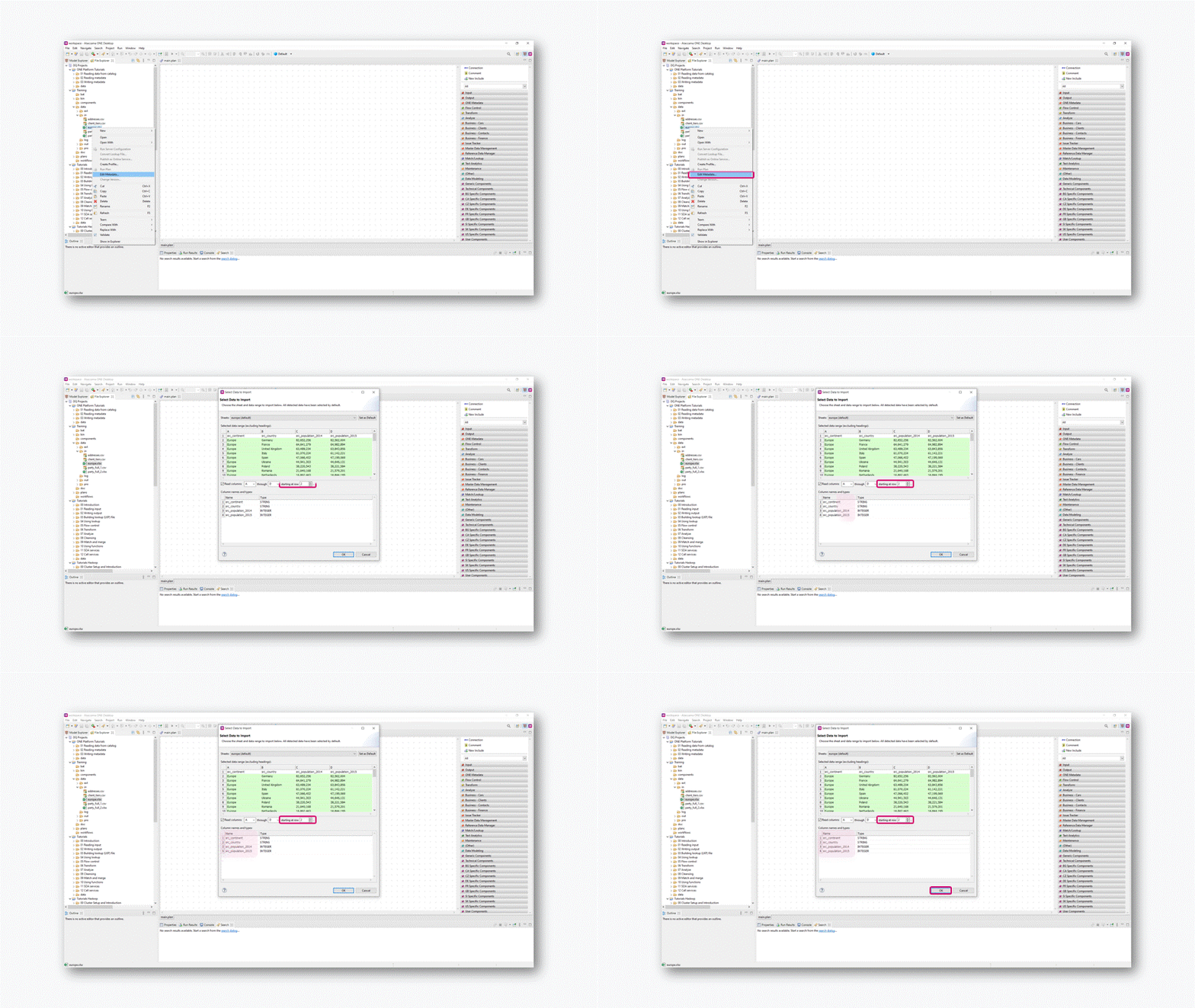
Hi,When importing a flat file, if the data has double quotes or single quotes or some special characters then they are automatically being replaced with β?βs. This is not as expected. This is the same issue for all encoding formats.Β Could you please suggest howΒ to fix this?Β Thanks,KranthiΒ
Enterprise Data Governance as the management of data across its pipeline - from production to consumption (and retirement). How to enable our βdata fellowsβ to leverage on data to save money, save time and reduce risk?What are the key elements to success? What are your thoughts?Β
I was wondering if there is a way in Ataccama that I can move my rows data into columns?Iβve data as such:Element:Β Β Β Β Β Dimension:Β Β Β Β Β Β Β Β Β Values:Β Β Β Β Β Code:Β XYZΒ Β Β Β Β Β Β ValidityΒ Β Β Β Β Β Β Β Β Β Β Β 200Β Β Β Β Β Β Β Β 678XYZΒ Β Β Β Β Β Β CompletenessΒ Β Β Β Β Β Β 250Β Β Β Β Β Β Β Β 678Β YUPΒ Β Β Β Β Β Β CompletenessΒ Β Β Β Β Β 300Β Β Β Β Β Β Β Β 555Β HIOΒ Β Β Β Β Β Β AccuracyΒ Β Β Β Β Β Β Β Β Β Β 400Β Β Β Β Β Β Β Β 100Β Iβd like it to look like:Element:Β Β Β Β Β Validity:Β Β Β Β Β Β Β Β Β Completeness:Β Β Β Β Accuracy;Β Β Β Β Β Code:Β XYZΒ Β Β Β Β Β Β Β Β 200Β Β Β Β Β Β Β Β Β Β Β Β Β Β Β Β Β 250Β Β Β Β Β Β Β Β Β Β Β Β Β Β 250Β Β Β Β Β Β Β Β 678Β YUPΒ Β Β Β Β Β Β Β 500Β Β Β Β Β Β Β Β Β Β Β Β Β Β Β Β Β 300Β Β Β Β Β Β Β Β Β Β Β Β Β Β 300Β Β Β Β Β Β Β Β 555Β HIOΒ Β Β Β Β Β Β Β Β 200Β Β Β Β Β Β Β Β Β Β Β Β Β Β Β Β Β 450Β Β Β Β Β Β Β Β Β Β Β Β Β Β 400Β Β Β Β Β Β Β Β 100Β Thank you!Β Β
Simply explained, reference data is data that serves as the model for all other data throughout an organization. It is contained within tables and databases, which help bridge one source system to another, and provides the foundation for the entire data architecture. Together with the initiative set forth by the overall data governance program, reference data maintains consistent data across all departments and allows for source system inter-communication.Β Reference Data tables are entities that compose the framework of the reference data architecture, providing lists of values for each department and the company as a whole. They contain either the backbone data in its base form (central authority) or data that is a derivative of the base-form data (tables used in the various branch systems throughout the enterprise).Each department within a company works with table data fields in a particular format that suits their processes. Although department A might deal with the same product as
Data Stories provides a wide range of charts, it includes also Pie andΒ Donut ones, even though I do not recommend using them, and the same applies to a Gauge chart. Let's look at the reasoning why and why I'd recommend using a (stacked) bar chart instead.Space usageIn data visualization (reporting, data storytelling) you have limited spaceΒ you can use. Your task isΒ to fill the limited space with the most value for the end viewer/user. Note, most value does not necessarily mean most charts, sometimes one curated chart is far better than five.Β The problem with Pie, Donut and Gauge charts isΒ that they useΒ more space in comparison to anΒ alternative that provides the same value - a bar chart.Β Sales distribution on a Pie ChartMore space is used due to 2 reasons:Pie and Donut charts use AreaΒ to give value to a single category.Β Bar chars use just distance. An Area just takes more space All these charts are circular, which creates unnecessary space around the chart objectBellow find a better al
I am trying to build a component rule where I can compare primary_id from catalog table A to another tableΒ BΒ using join and send primary_id existing in both tables, existing only in catalog table A and existing only in B table in the one report. Also checking if that is possible through Lookup
We would like to have a user group in AtaccamaOne so that when new people join, weΒ do not have to manually add them for access of rules, catalogs or projects. Simply adding them to a user group should give them all the necessary access. How to create such a user group?
Hi there,Imagine Ataccama is the primary source of truth (transactional) for PII information inside a Financial Service company. Now, we would have different ONBOARDING systems (one for each Financial Line of Business that we offer). When a new person tries to create a profile, the Onboard system would (while the user is still looking into the APP) SYNCHRONOUSLY call an Ataccama API with meaningful data that we collected from this person, say: (Full Name, DoB, Insurance Number / Any other ID document, Email(s), Phone(s))m then Ataccama would quickly do the βMatchβ and return if this person (according to the information we provided) is likely to ALREADY exist. If the probability is higher than some threshold (Ie. 95%), it would also return the MASTER UUID for this person in Ataccama (Lookup key). Then the onboarding would ask this person to log in, as this person ALREADY exists in our Ataccama Database.Can Ataccama do the MATCH and return the % probability in near real-time?Β Instead of
Did you know that you can reorder or add custom columns to Listings within ONE? Here is an example where we move the validity score to be the second column. You could also disable various columns here if you would like.Β To do this, you would add the following in Debugging Tools, for more information, please see our documentation.Β { "_type": "entity.page.listing", "children": { "_type": "relationships.hierarchyListing", "enableSelection": true, "columns": { "name":{ "name": "Name" }, "dqEvalTermAggr": { "name": "Overall Validity" }, "type": { "dataPath": [], "name": "Type", "after": "dqEvalTermAggr", "renderer": { "_type": "glossary.termType.tableCell" } }, "abbreviation":{ "name":"Abbreviation", "after":"type" } } }}Β
1 entity Partyβ 2 entities (Person/Organization)or 1 entity Contact β 2 entities (Phone/Email) etcΒ ProsΒ Clean Data Model (on attribute level)In general, we have only columns that are needed for a particular entity (Person) or (Organization). ThisΒ means that, for example we do see the company_name attribute on the Person records, etc. So in general we have fewer columns in the tables. This could be especially important for the generated MDM native services format (WSDL in SOAP, or all attributes used in the REST API). The consumers of the web services only see attributes per definition of the given model entity and donβt see any irrelevant attributes (similar to the data hiding/encapsulation principle in the Object-Oriented approach).This can also help minimize the area of impact in case of a required model change (the impact to online API change can be countered with custom .online services exposed as wrappers to the MDM native services keeping the API stable with a fixed set of attrib
IntroductionWe did an internal performance PoC for Streaming. We are reading messages (βmsgβ) from Kafka or Java messaging service.Β ParametersΒ In order to tune the performance of the streaming we need to modify 2 main parameters on MDM side:settings.count = how many messages we need to consume in one single batch settings.timeout_s = what is the maximum timeout to wait for this number of messagesΒ Average duration of the task vs Records per secondΒ We are not aiming for the throughput (records per second) but we are aiming for the average duration of the task. The goal is to run it under 1 sec (1000ms). In various scenarios we have to increase the settings.count parameter starting from 1, 20, 30 etc.Β ScenariosΒ Below are the different scenarios of using different settings for various tasks/transactions in MDM within 10 mins (600sec)For example ofΒ timeout of 1 sec and settings.count = 1000 (scenario , thatΒ means that we try to consume 1000 msg at once within thisΒ 1 sec. We will consume wha
Multiple ways to implement your MDM solutionThere are several ways to handle and manage data when deploying a Master Data Management solution. Depending on the approach, we recognize the following styles that can be implemented:Β Overview of MDM implementation stylesΒ REGISTRY StyleIn this style, the various source systems publish their customer data and the subscribing hub stores only the source system IDs, the Foreign Keys (record IDs) and the key data values (needed for matching). The hub runs the cleansing & matching algorithms and assigns unique global identifiers to the matched records, but it does not send any data back to the source systems.Master data distribution is performed downstream by federating the source data. The transformation and consolidation process for building the golden data is performed on demand.This approach is completely non-intrusive and maintains data exclusively in the source applications. This style allows read-only access to the golden data via feder
If the ONE Desktop application hangs when connecting to an Oracle database.Adding the following two Java Runtime Parameters to the one-deskop.ini file in the root of your ONE Desktop installation folder.-Djdbc.oracle.useDriverQueryForSchemas=true-Djdbc.oracle.disableListingProcedures=truePossible causes of the delayed, hang or errored Oracle Database connection.When the ONE Desktop application first connects to the Oracle Database we try to retrieve all the metadata beforehand, so we donβt have to connect to the database later (every time). If the Oracle Database contains many Procedures this retrieval process can be extremely slow thus the ONE Desktop gets stuck on this request.Adding the -Djdbc.oracle.disableListingProcedures=true Java Runtime Parameter disables the retrieval of the procedures during the initial connection and you can now connect to the database quickly.In addition adding theΒ -Djdbc.oracle.useDriverQueryForSchemas=true Java Runtime Parameter instructs the connection
Hi,I am creating a plan under IDE to group the records on the basis of two column values and then to calculate the sum of all common records having sales value column.Β I was using Group aggregator step but no luck. Could you please suggest any help. ThanksΒ
Hello all,I am looking for the live reflection of changes at rdm data and its corresponding tables in the database. As per my understanding from documentation the rdm acts as --Β Β Β While installation RDM it configures RDM database as well, when ever the new table or any changes to the existing tables done in the data logical model it automatically reflects in database as well, for this process we define the database names while creating a table in data logical model.Β Β Β RDM can synchronize reference data in its repository with any other defined databases. For this process it required to create separate plans/components, the workflow and need to be scheduled for regular runs by the Task Scheduler. In-fact it seems no mechanism for live updates to the table which is located in external data base. the red color shows the data is published in RDM and waiting to run the scheduling process to affect the changes in the database. The green color confirms the changes after running the schedulin
Hi,Β Β Iβve noticed an issue within RDM when attempting to update a foreign key values for multiple rows using RDMβs Multi edit functionality.If I attempt to enter a value the βApplyβ button never enables and the usual selection list fails to appearΒ If I click on the search magnifying glassΒ Β the Lookup window fails to list any values to select fromΒ The work around is to add anther non-key fieldΒ to the multi-edit.. enter a value within it, then enter a newΒ foreign key value and then delete the added non-key field before clicking Save to perform the update.Β Non-key field addedΒ Foreign Key field is now updatableΒ Now delete the non-key field.. it works!!Β
I am not able to open the documentation for the linkhttps://support.ataccama.com/home/docs/aip/13.2.0/big-data-engine.It showing error.Β Could you please share the link
DQA offers a way to monitor the processing visually, providing counts of processed records, percentages on completion of the different operations (steps) and visual cues to the flow of data to identify bottlenecks. This can be achieved by opening a special view of any plan being executed, which will mirror the original plan, showing the processing of records and other aforementioned visual features.To open the monitoring, click the Show progress button, which appears in the Console when the plan is being executed.You can also configure this monitoring window to be opened automatically whenever a plan is executed. The default configuration for the monitoring can be changed by:Open Window > Preferences Navigate to Ataccama DQ Analyzer > Launching > Progress Viewer. Change Automatically open progress viewer for launched plans to Always. You can also change how the Progress Viewer should behave once the execution finishes.Β
There is no limit on the number of rows written to the drill-through table. If not specified, all rows will be written.The maximum number of columns is not a specific number and depends on the DB. See this Wikipedia page for detailed information by DB type.Β
Table profile creation can be automated after buying the more advanced Data Quality Center (DQC) software.Schedule a call | AtaccamaΒ On the other hand, with Data Quality Analyzer (DQA, free software), the automation is not possible.Β Β
Already have an account? Login
No account yet? Create an account
Enter your E-mail address. We'll send you an e-mail with instructions to reset your password.