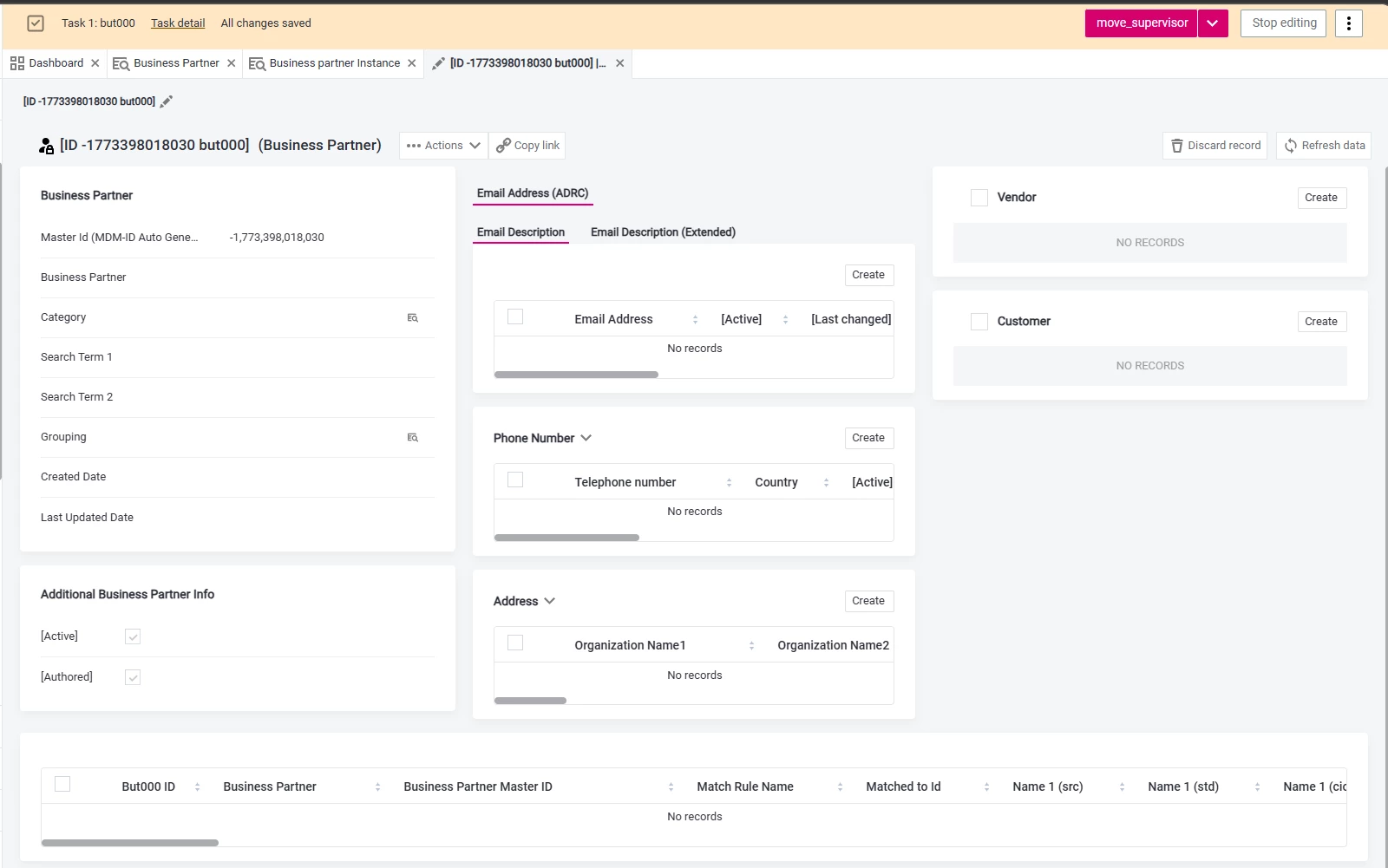
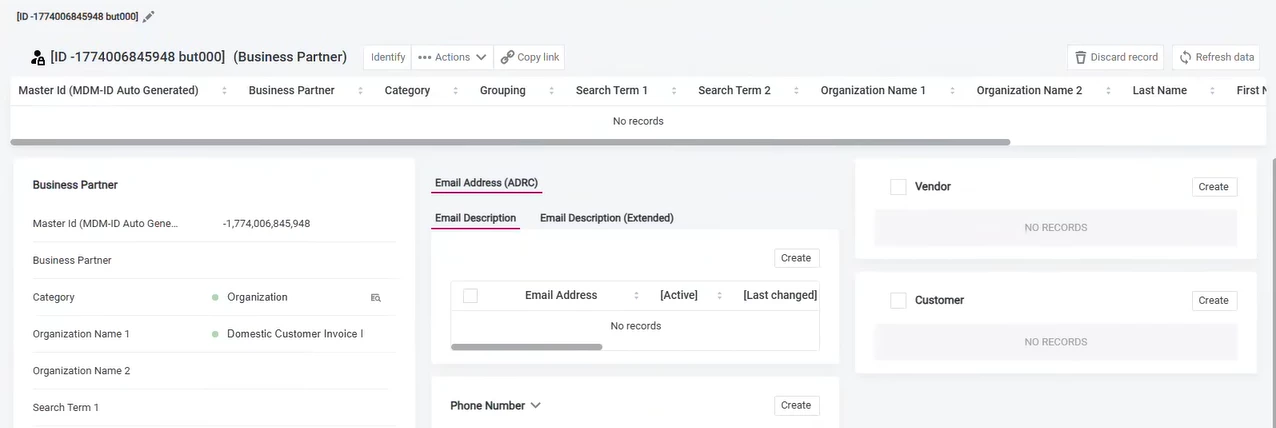
I am working on an Ataccama MDM project and I am facing an issue with the Identify button not appearing in the UI, even though the matching step is configured.
However, in the standard CDI example project, the Identify button is visible and working correctly.
What configuration controls the visibility of the Identify button in the UI and are there additional steps required to enable Identify?
Best answer by oliver
Hi Mayuresh,
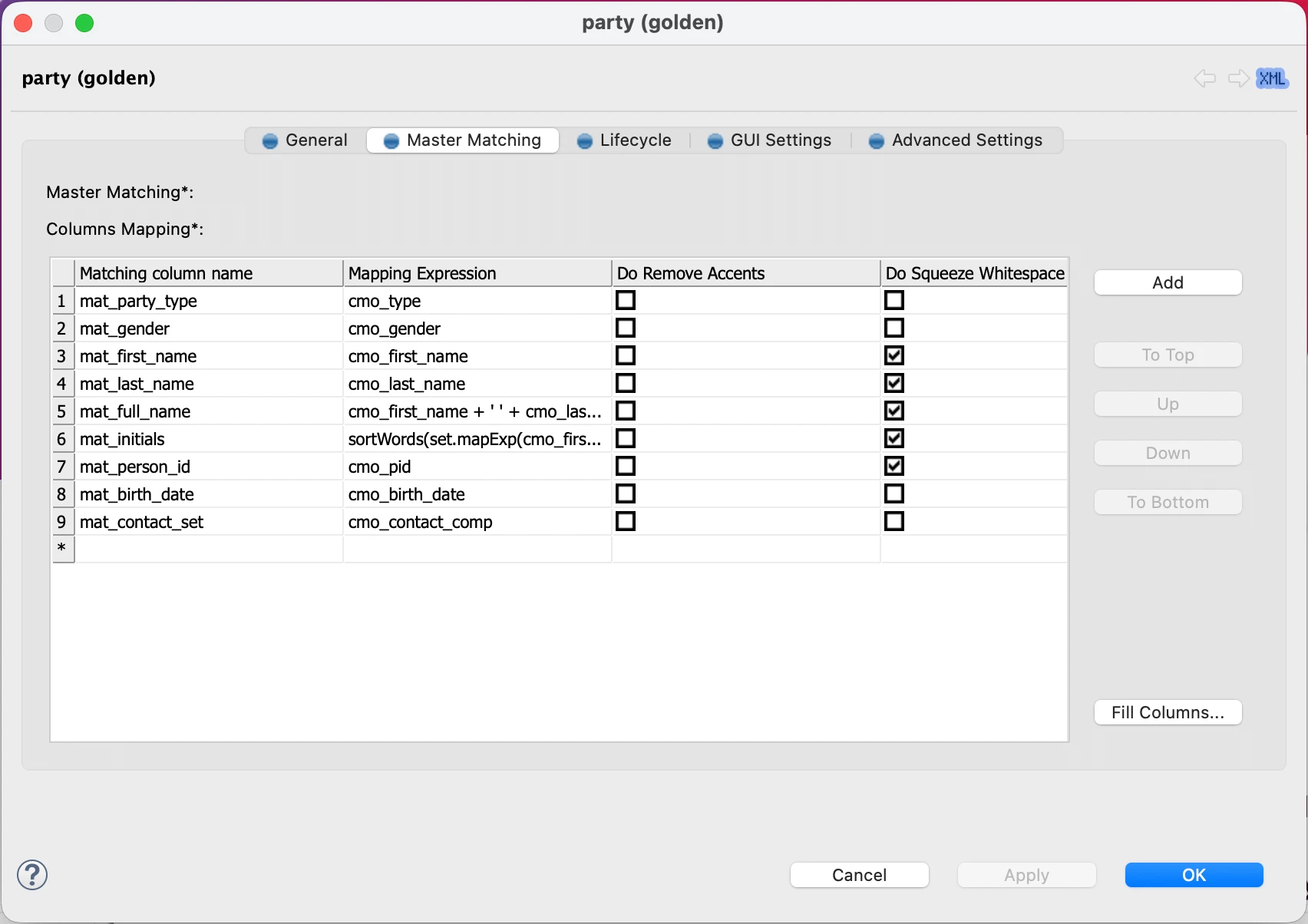
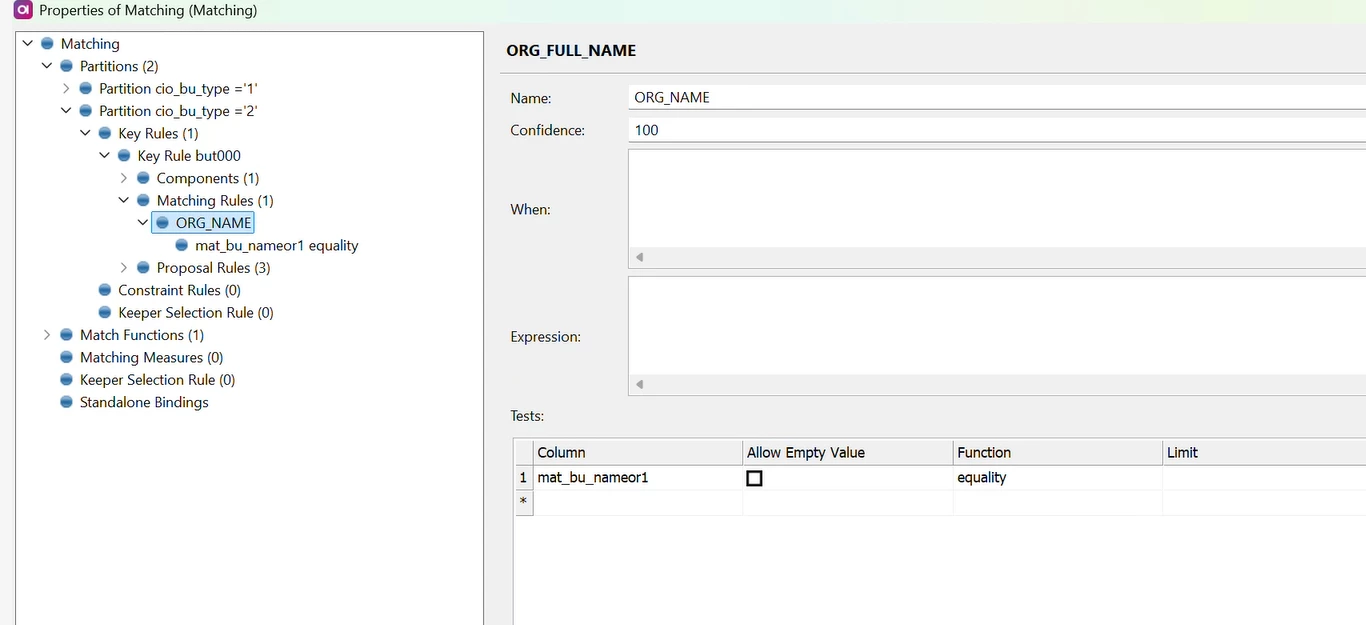
I can see that in your Matching step you use cio_bu_type column in the partition condition, but it is not mapped in the Master matching, so it means the Authored master record doesn’t fall into any partitions. You need to map this column or update the partitions conditions so Authored records will belong to some partition. All instance columns which are used in the Matching step, need to be mapped, otherwise they are considered null.
Also when you update the key rules in the matching, you need to reprocess your data.
Thanks for your help earlier - I’m now able to see the Identify button in the UI.
However, I’m facing another issue. When I try to use Identify, it is not detecting duplicates even when I enter values that already exist in the master records.
For example, even if a record with the same data is already present, Identify is not returning any matches.
Could you please let me know what I might be missing here? Is there any additional configuration or step required for Identify to actually detect duplicates?
Thanks again for your guidance!
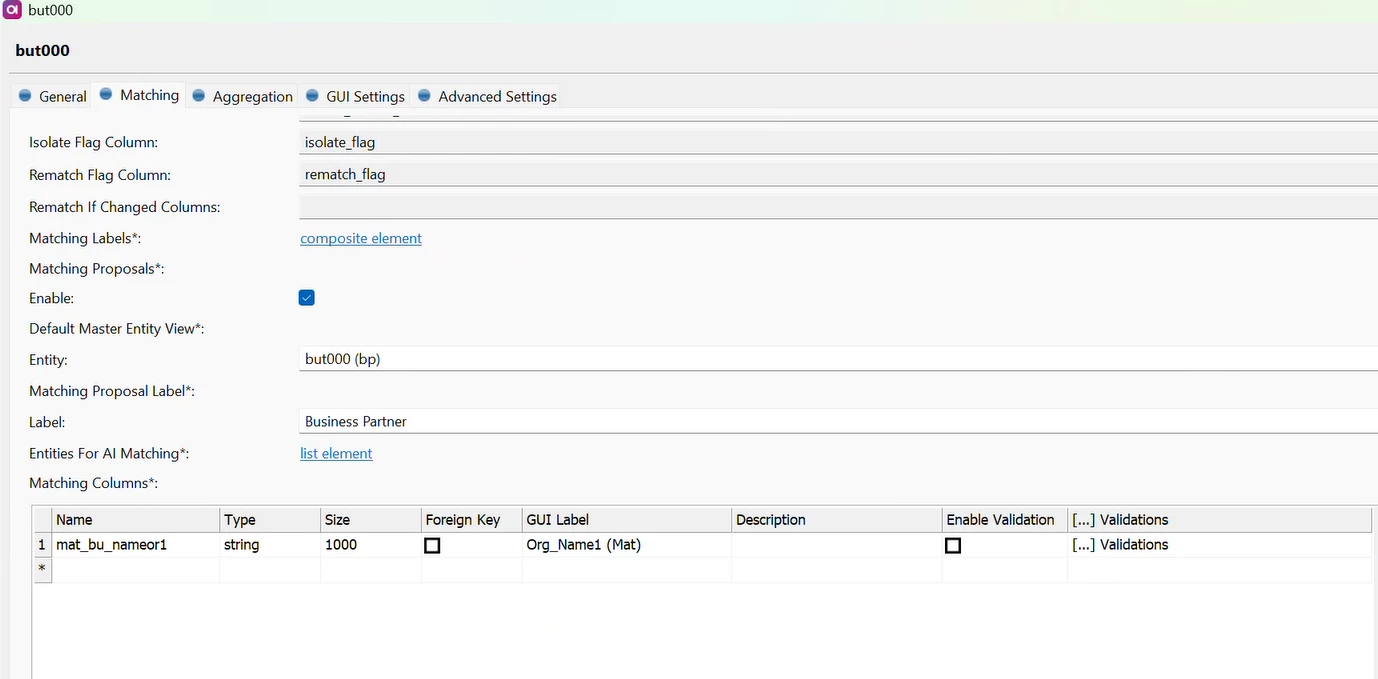
Below are the steps that i have configured. Instance Entity:
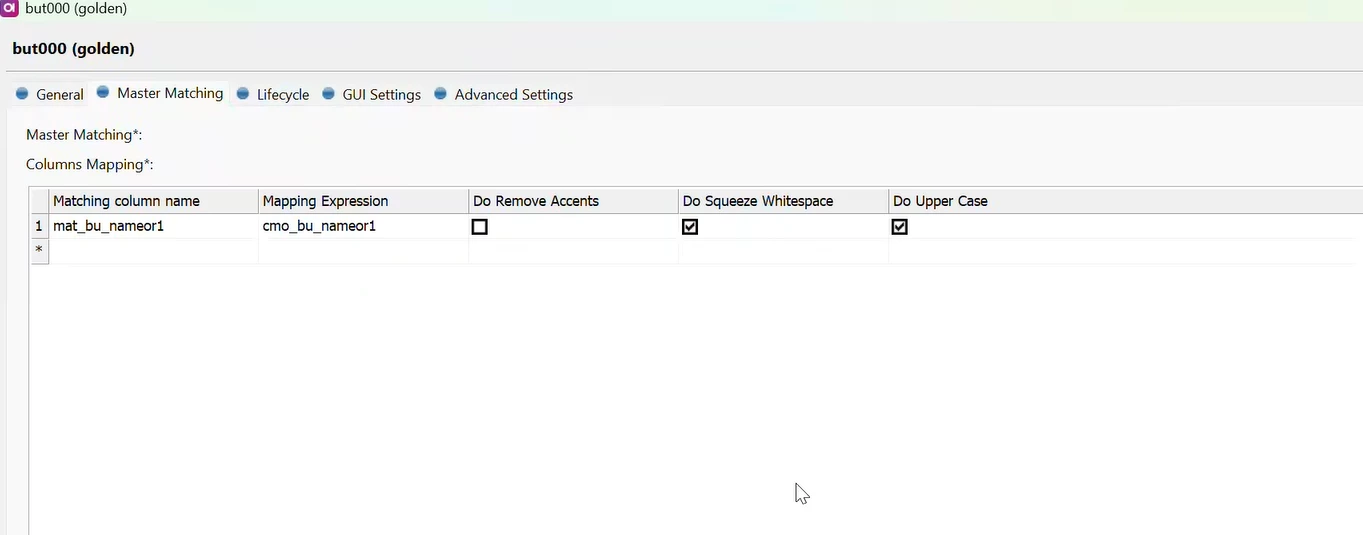
Master Entity: In general, Enabled authoring as well.
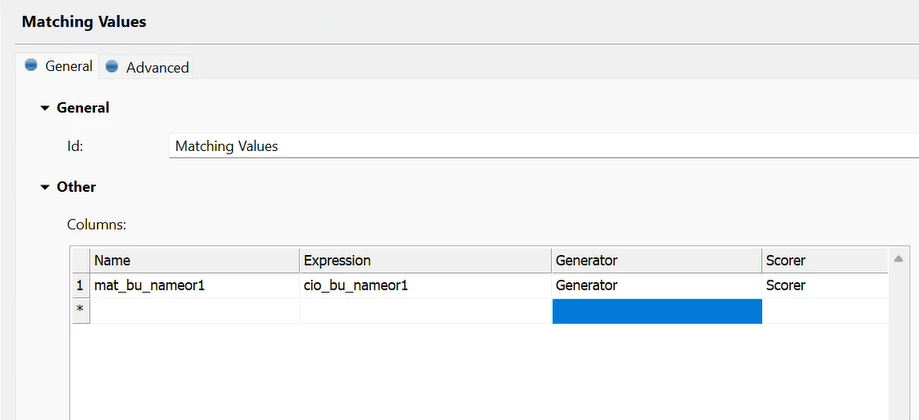
In my configuration, I have defined a matching rule based on Organization Name 1 (mat_bu_nameor1) using equality. So, when I enter the exact same Organization Name 1 value that already exists in the master records, I expect it to identify a match. However, Identify is not returning any results.
I can see that in your Matching step you use cio_bu_type column in the partition condition, but it is not mapped in the Master matching, so it means the Authored master record doesn’t fall into any partitions. You need to map this column or update the partitions conditions so Authored records will belong to some partition. All instance columns which are used in the Matching step, need to be mapped, otherwise they are considered null.
Also when you update the key rules in the matching, you need to reprocess your data.