Question

MDM : How to configure Identify button In MDM UI

  • March 13, 2026
  • 1 reply
  • 9 views

Forum|alt.badge.img+1

I am working on an Ataccama MDM project and I am facing an issue with the Identify button not appearing in the UI, even though the matching step is configured.
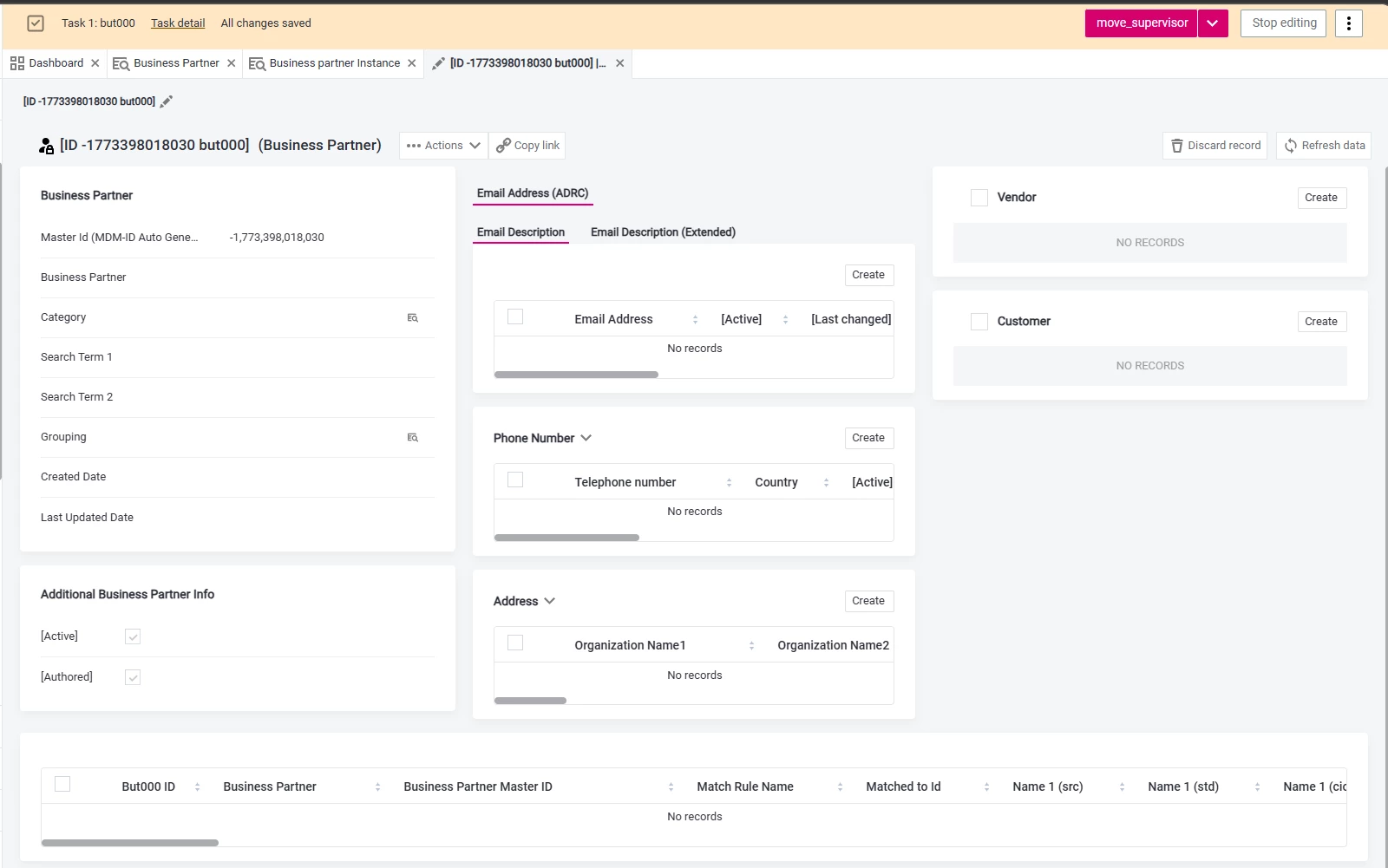


However, in the standard CDI example project, the Identify button is visible and working correctly.



What configuration controls the visibility of the Identify button in the UI and are there additional steps required to enable Identify?

1 reply

Forum|alt.badge.img+3
  • Ataccamer
  • March 16, 2026

Hi ​@Mayuresh ,


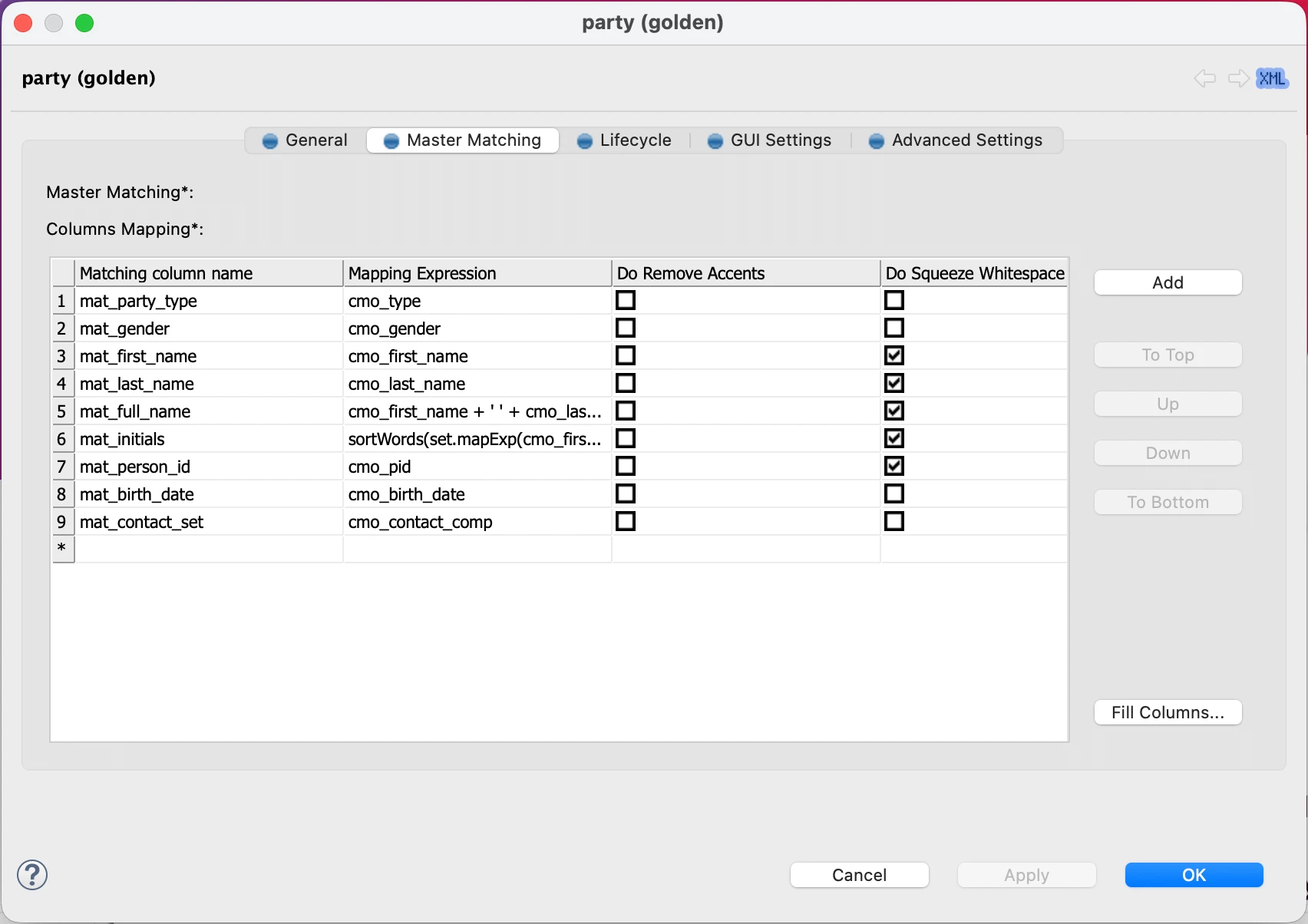
You need to configure Master matching as you can see on the picture below. You can find this configuration on the master entity in the Logical Model.


This configuration is used to map Master entity columns to Instance entity columns so it can be used in the matching.

You can also find more details on the following documentation page: https://docs.ataccama.com/mdm/latest/matching/configuring-master-layer-matching.html