Question

Timeliness Check with parameters not working (v 15.4 on prem)

  • May 4, 2026
  • 2 replies
  • 17 views

Forum|alt.badge.img+2

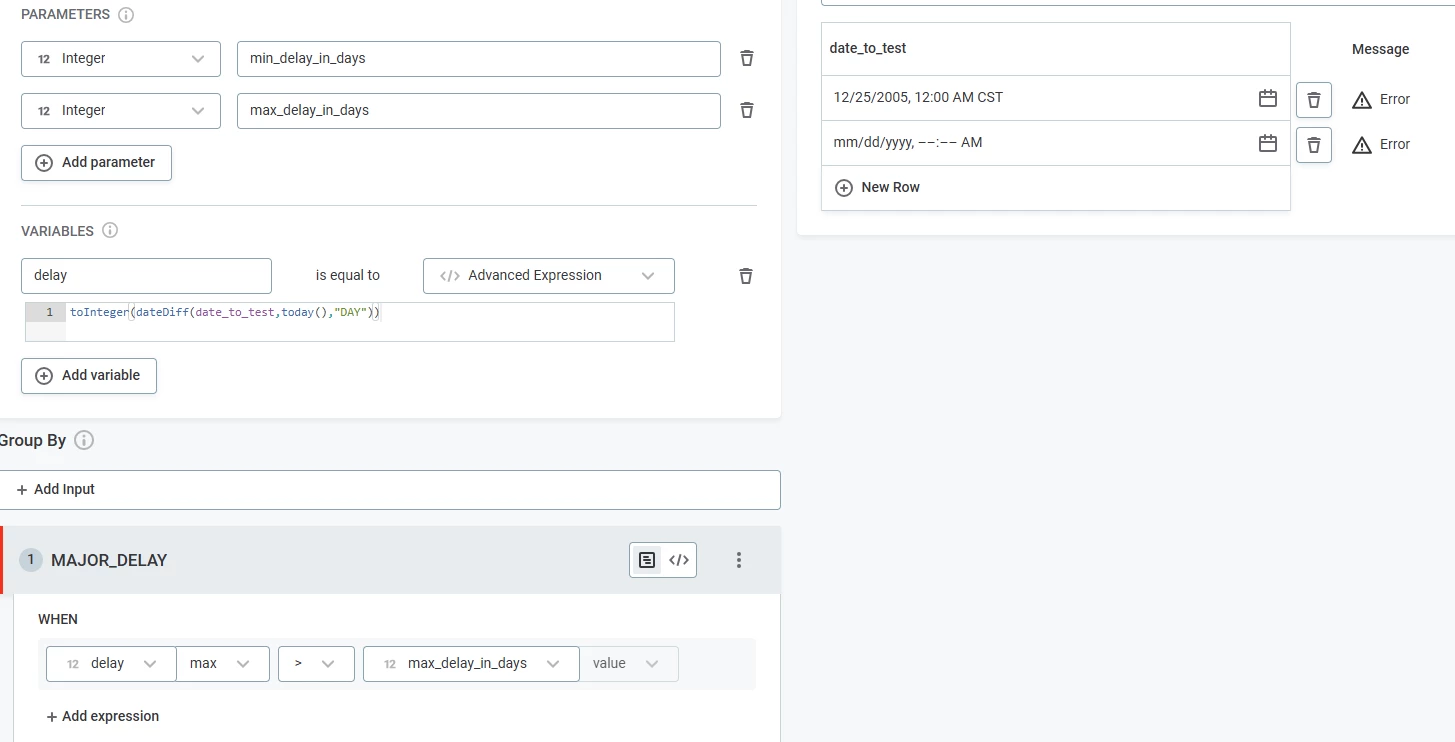
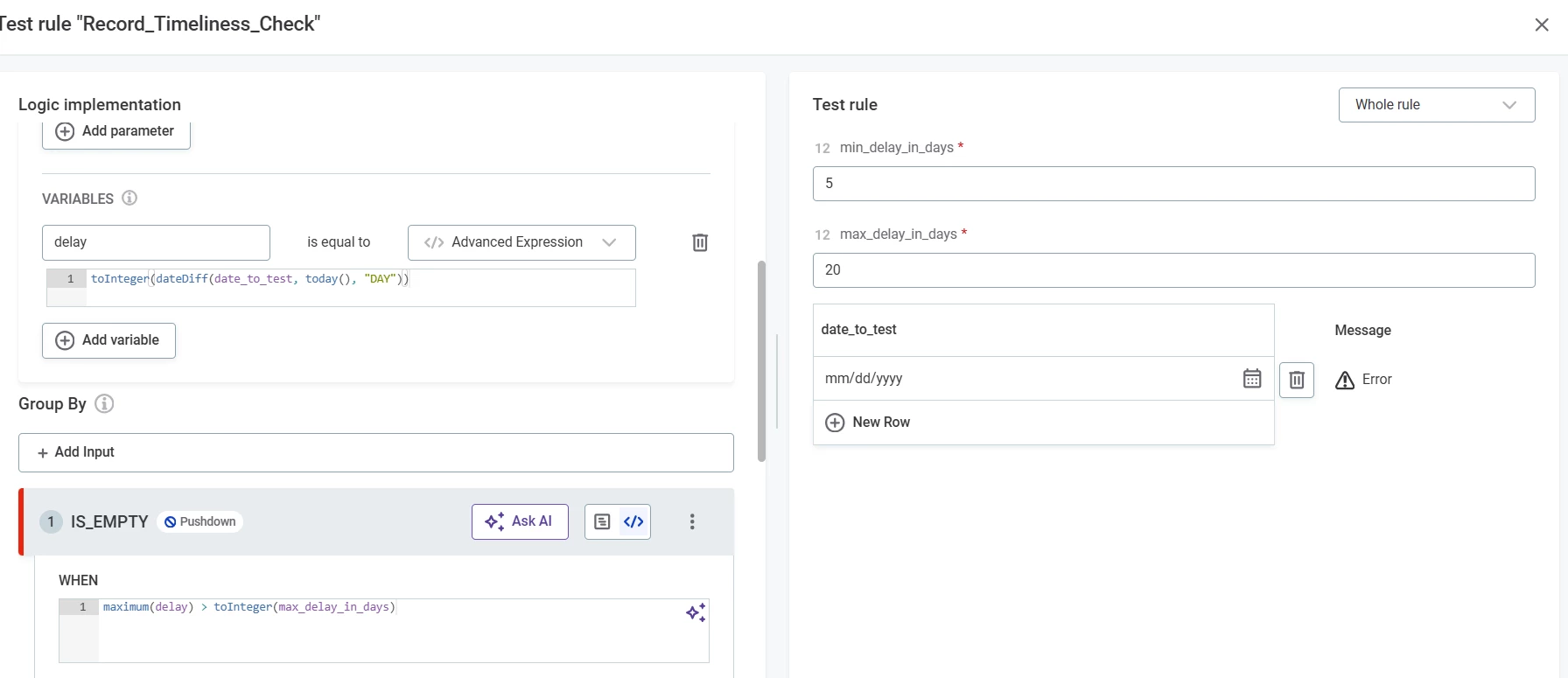
Hello, Ataccama Community.  I am hoping you can help me figure this out.  I am trying to create a timeliness check.  The objective would be to have a general DQ rule that accepts an update date and then allows the user to configure a minimum delay and a maximum delay.  

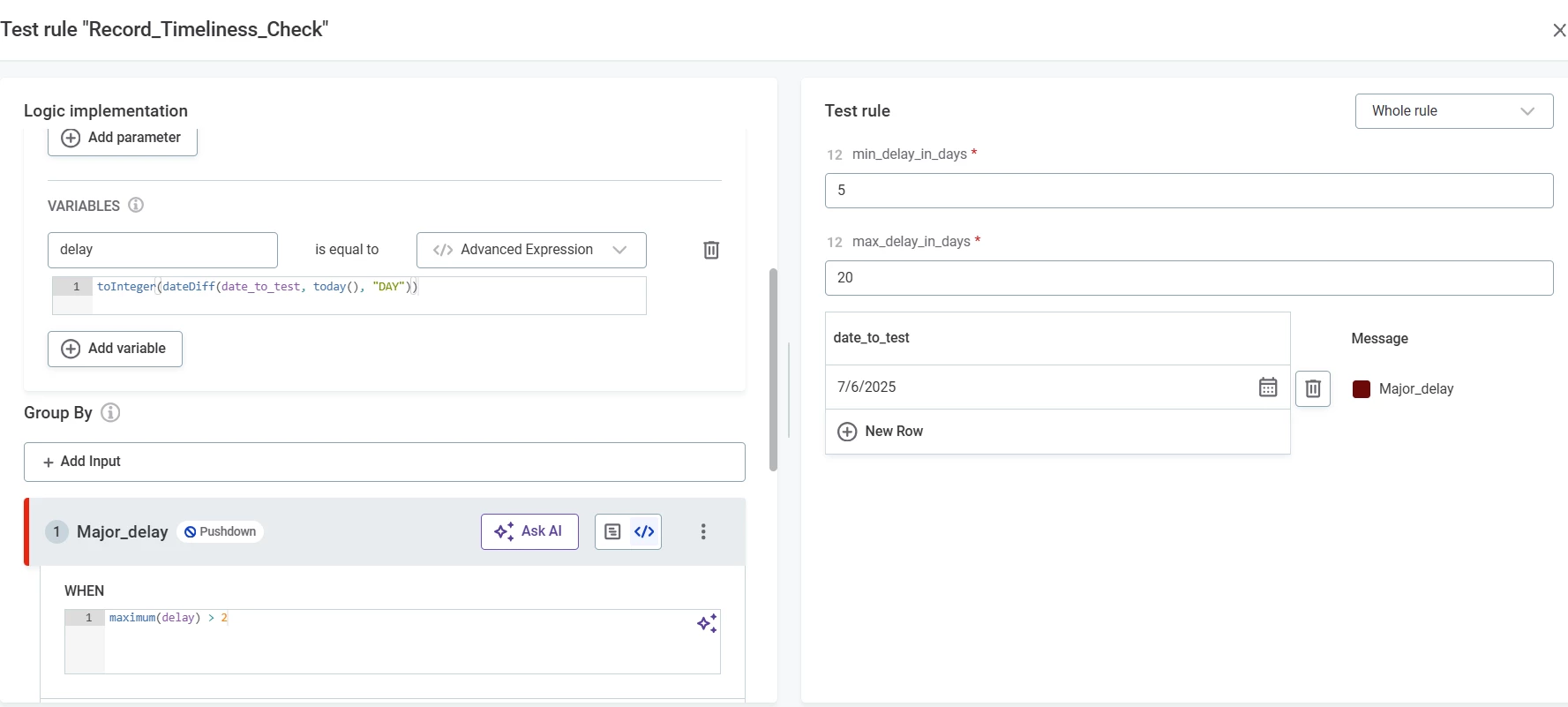
The rule would find the number of days from today and the update date, then take the maximum of that value.  If the max of that delay is mroe than the maximum parameter set, then it should return a “MAJOR DELAY” indication.

Here is my challenge.  It does not seem to work when I use the parameter.  It only works when I use a hard coded value for the “maximum delay” in the test.

I am hoping someone can help me figure it out.
 

2 replies

BrianF
Ataccamer
Forum|alt.badge.img+3
  • Ataccamer
  • May 7, 2026

Hi,

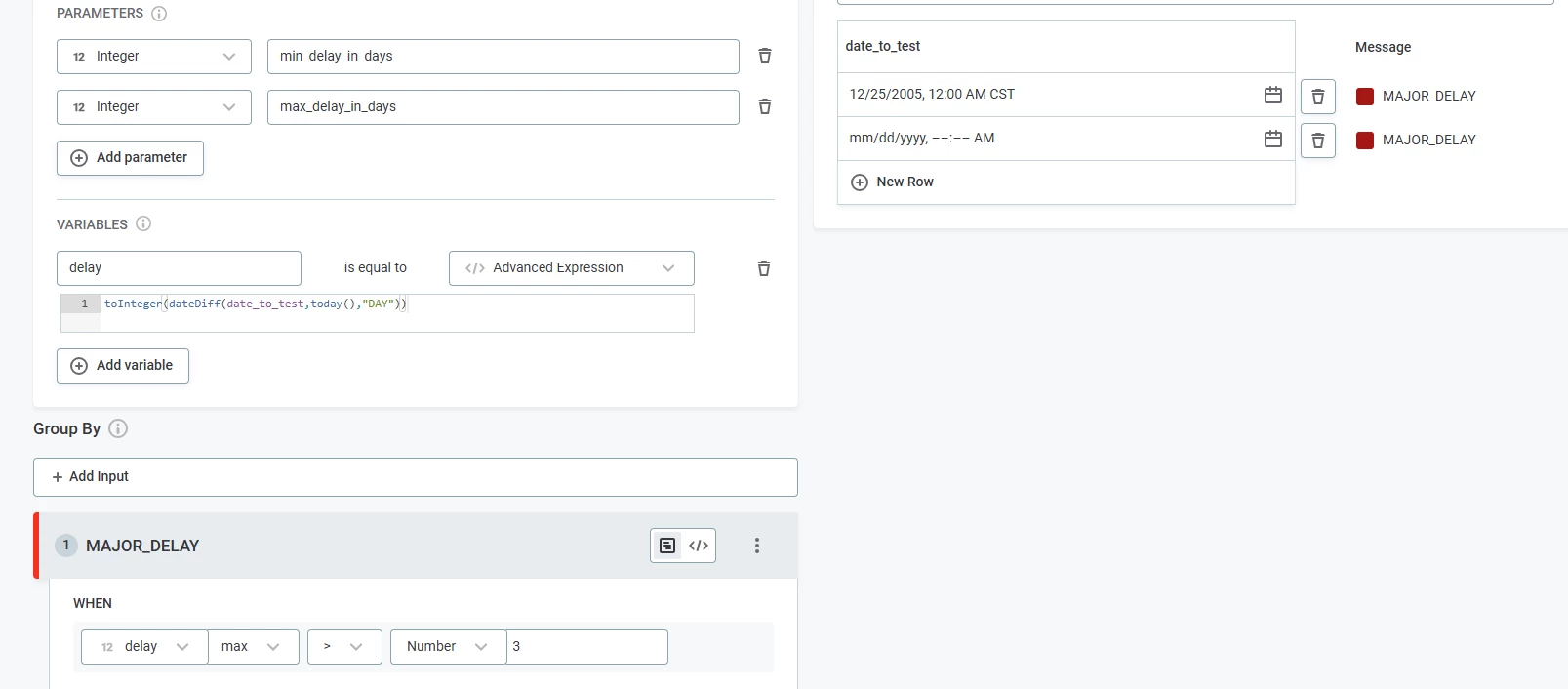
Have you tried this with the condition as Delay Value > 3, as opposed to Delay Max > 3?

Also, I would suggest ensuring that the date formats are correct. Note that today() returns current date, not current datetime. The function now() provides datetime.

I would also ensure this by adding a condition before MAJOR_DELAY, which captures anything not in the right format, and/or nulls.

Hope that helps!
Brian


Forum|alt.badge.img+2
  • Author
  • Data Voyager
  • May 7, 2026

@BrianF - Good ideas and definitely will do that.  But, it doesn’t even work when I am testing it when I 100% know there are no incorrect formats, etc.

Also, not every record will be updated each time, so I definitely need to know the maximum delay for the whole table.  That is what will tell me if the table is delayed, not if a record is delayed.