How can I enable connection page to show glossary/business terms along with other properties. I tried editing the page template but not sure what details to add for fetching those details.
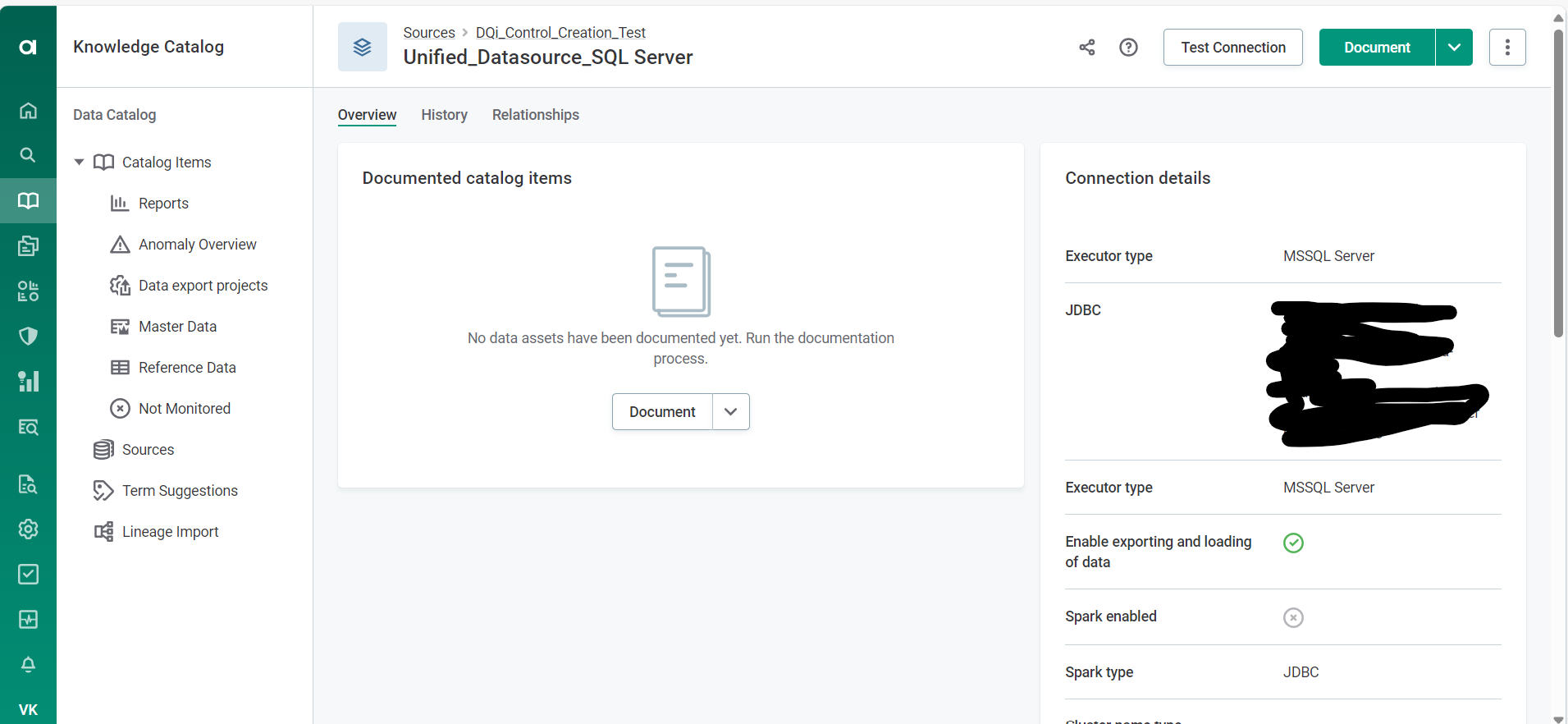

How can I enable connection page to show glossary/business terms along with other properties. I tried editing the page template but not sure what details to add for fetching those details.
Best answer by OGordon100
Hi there.
By default, glossary terms are set at the Catalog Item (i.e. table) level.
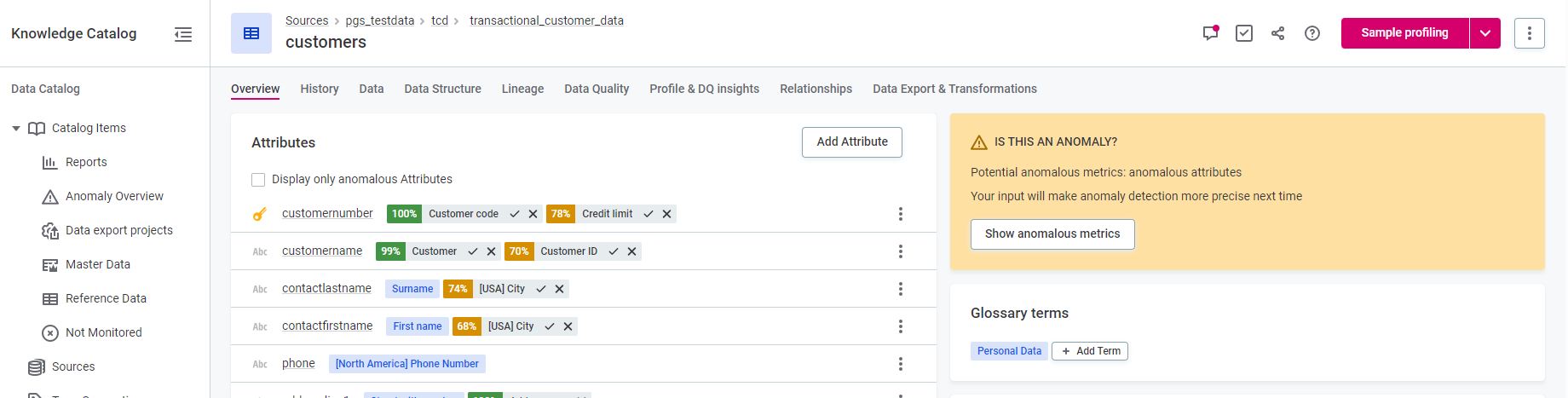
At the Source level, by default you can set the Deployment (e.g. Dev/Test/Prod) - although you have to specify what types of deployments are available via the Settings page. See Lists of Values :: Ataccama ONE in our Docs for more details.
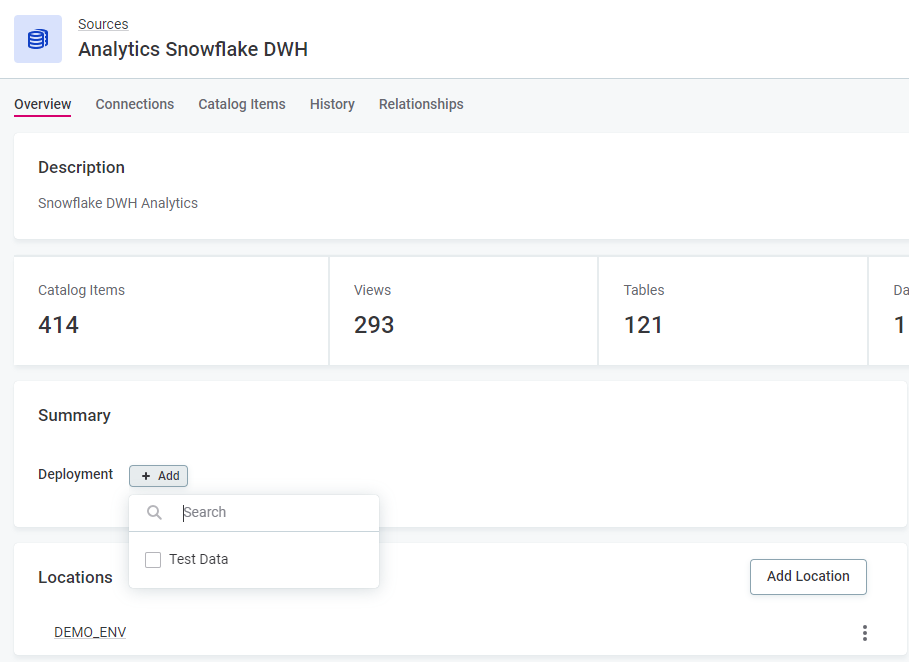
My strong suggestion would be to stick to the Defaults. The business glossary is mainly used to refer to the meanings of columns and/or tables, not sources containing many completely disparate and potentially unrelated tables. I would instead point you to the Deployment type option.
However, Ataccama’s Metadata Model is highly flexible, and you can extend the model to add custom traits to any entity (e.g. a source or connection). See Custom Relationships :: Ataccama ONE for more details.
Hope this helps!
- Oliver
No account yet? Create an account
Enter your E-mail address. We'll send you an e-mail with instructions to reset your password.